
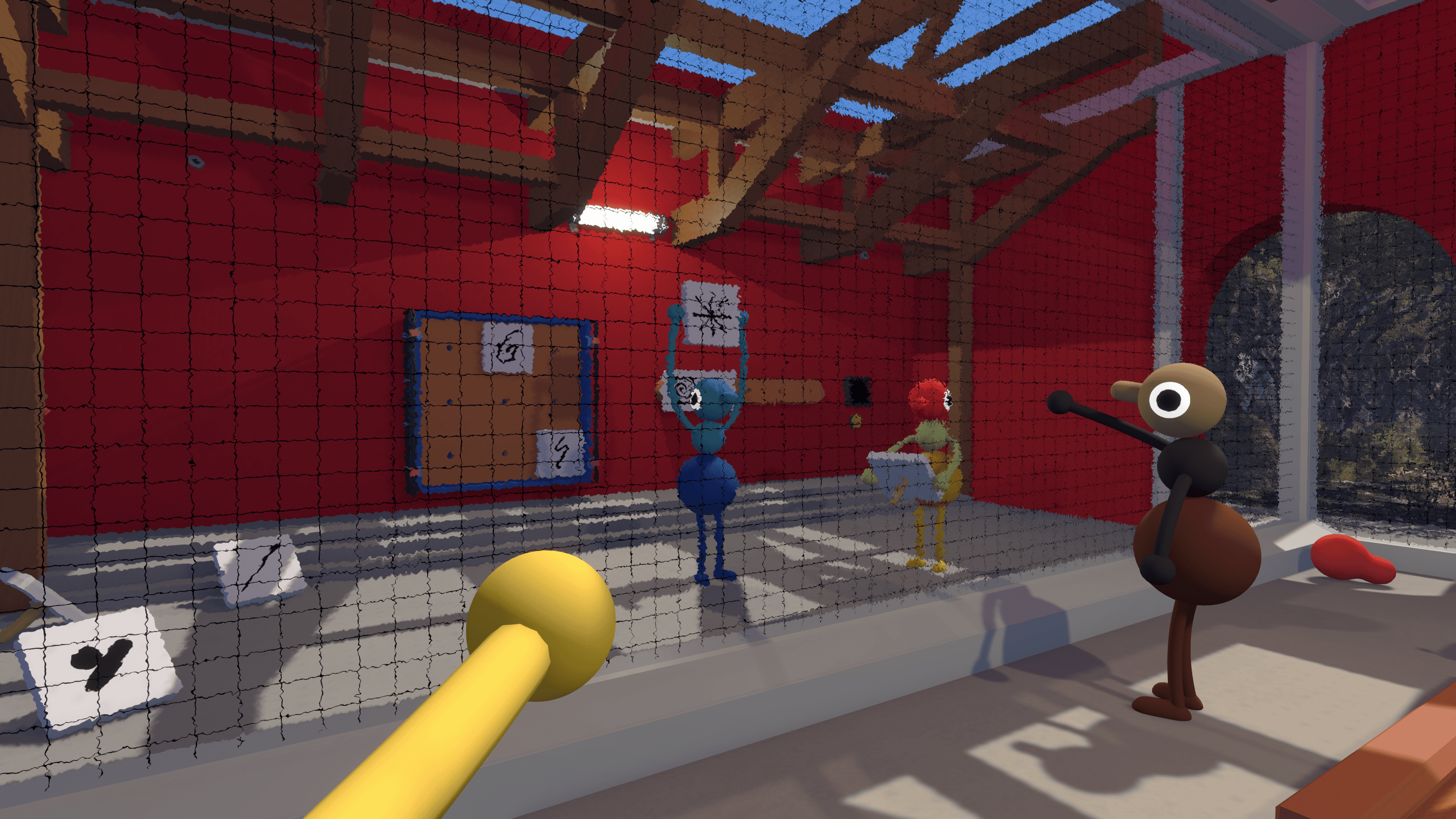
Yes. Big Walk supports crossplay across Windows and Mac, PlayStation 5, and Nintendo Switch 2. A host can invite players on other supported systems with a Join Code, provided their game versions have matching first and second numbers.
- Crossplay
- Supported
- Players
- 2–12 online
- Cross-save
- Not confirmed
- Save owner
- Host
Which Platforms Support Crossplay?
The official FAQ lists Windows and Mac through Steam or the Mac App Store, PlayStation 5, and Nintendo Switch 2. Players on those supported systems can join the same online session. No other platforms are currently planned.
How to Start a Crossplay Session
The host creates and loads the world first. Players who are already friends through the same platform service may see the session in their active friend games, but a Join Code is the dependable option for a mixed-platform group.
- Choose the player who will keep the save and have them host the session.
- Select the 2-player, 3-player, or 4+-player world version for the group.
- Copy the Join Code from the corner of the host menu.
- Share the Join Code and required session password privately.
- Have each player join after the host’s character has loaded into the world.
Once play has started, the host can reopen Session Details to find the Join Code, change the password, or reach moderation controls.
Which Versions Can Play Together?
A Big Walk version contains three numbers. Only the first two must match for multiplayer compatibility. That means 1.4.9 and 1.4.10 can connect, while a future 1.5.x build would not be compatible with 1.4.x unless official guidance says otherwise.
Keeping everyone updated is still the simplest approach. Version 1.4.10 includes network-connection and voice-stability improvements, more specific network errors, and extra host and join warnings.
How Crossplay Saves Work
The host is the keeper of the save and all world progress. When the host closes the session, everyone else disconnects. To resume the same world later, that same player must host it again.
This host-owned system is separate from crossplay. Crossplay lets different systems connect to one session; it does not confirm that a player can transfer or synchronize a personal save between platforms.
Crossplay Troubleshooting
If another player cannot connect, check these items in order:
- Confirm that the host is online and fully loaded into the world.
- Check that the first two version numbers match on every device.
- Re-enter the current Join Code and session password.
- Confirm that every device’s system clock is accurate.
- Close Big Walk completely, reopen it, and try again.
If the entire group experiences lag, check the host’s connection and frame rate first. The official FAQ notes that poor host performance can cause network problems for everyone.
Crossplay vs Cross-Save
Do not use “crossplay” and “cross-save” interchangeably. Official information confirms cross-platform sessions and host-owned world progress, but it does not currently promise automatic save transfer or cross-progression between systems.